Share Files and Printers between Windows 7 XP and Vista-1
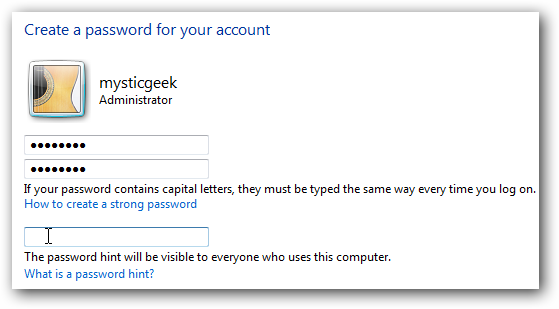
If you want to keep it enabled make sure there is a log in account for the other XP machines and they have a password.
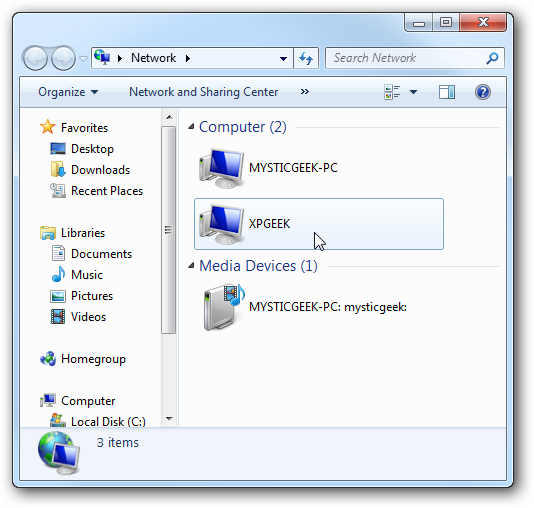
Now if you go into Network in Windows 7 you should see your XP machine and the Windows 7 as well which in this case is Mysticgeek-PC.
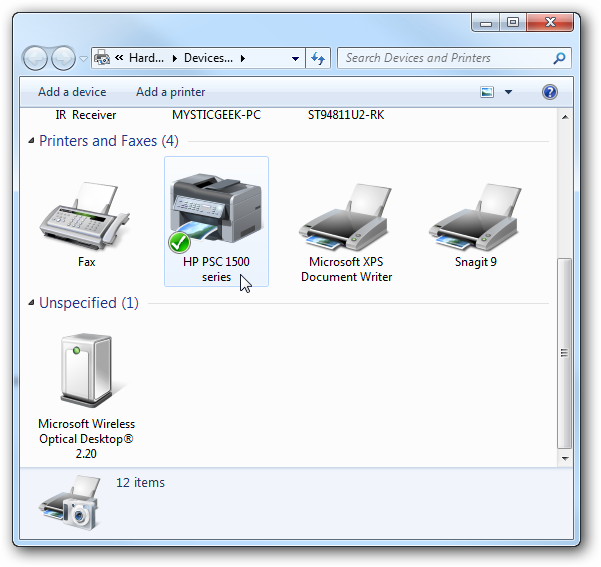
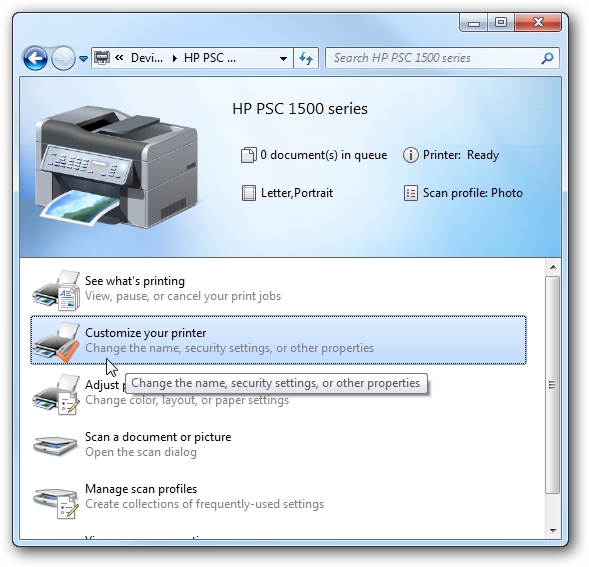
To share the printer on the Windows 7 machine go into Devices and Printers from the Start menu and double click on the printer icon.
Next double click on ΓÇ£Customize your printerΓÇ¥.
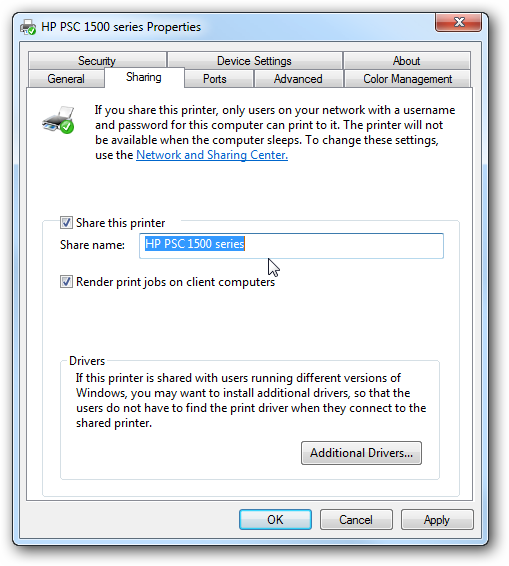
In the Properties screen click on the Sharing Tab and check the box to share the printer and type in its share name.